
Seedance2 AI Video Generator
Generate Seedance2 videos from text or images with reusable prompts and controllable settings.
Status: current generation runs on Seedance 1.0 Lite and Seedance 1.5 Pro. Seedance2 support is coming soon.
PROMPT TEMPLATES
Reusable Seedance2 templates
Choose a template and open the generator with prompt + scene prefilled.

Lipstick Ad
High-end beauty product shot with clean lighting and premium pacing.
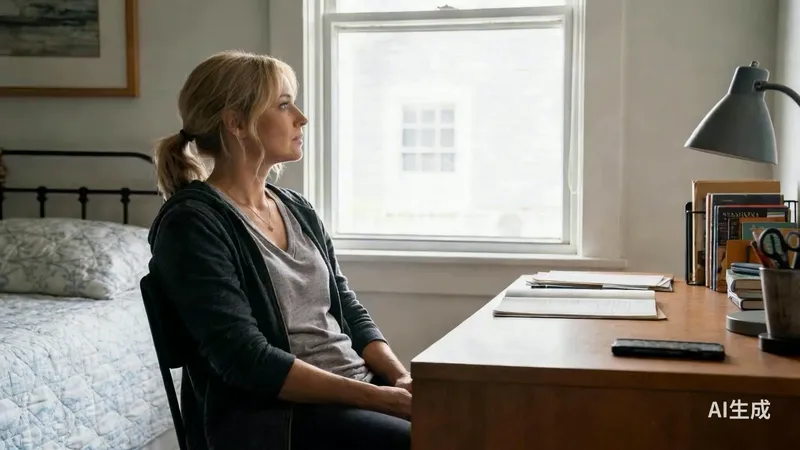
Energy Bloom
Glowing particles appear and flow upward with cinematic lighting.
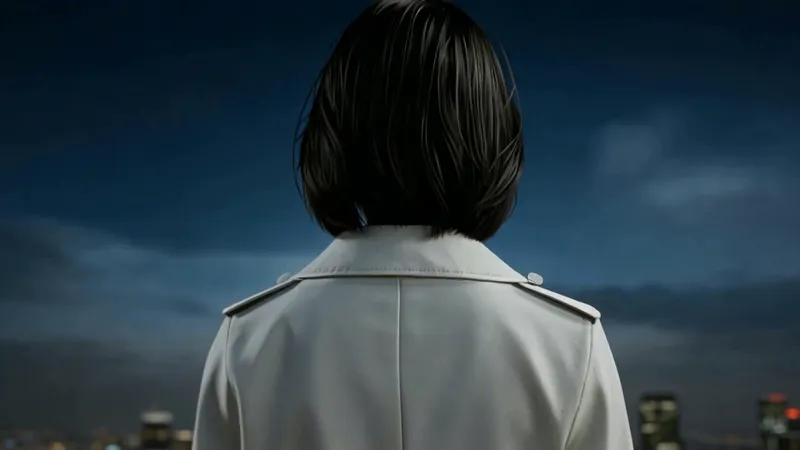
Rooftop Pullback
Night rooftop scene with a smooth pull-back revealing city lights.
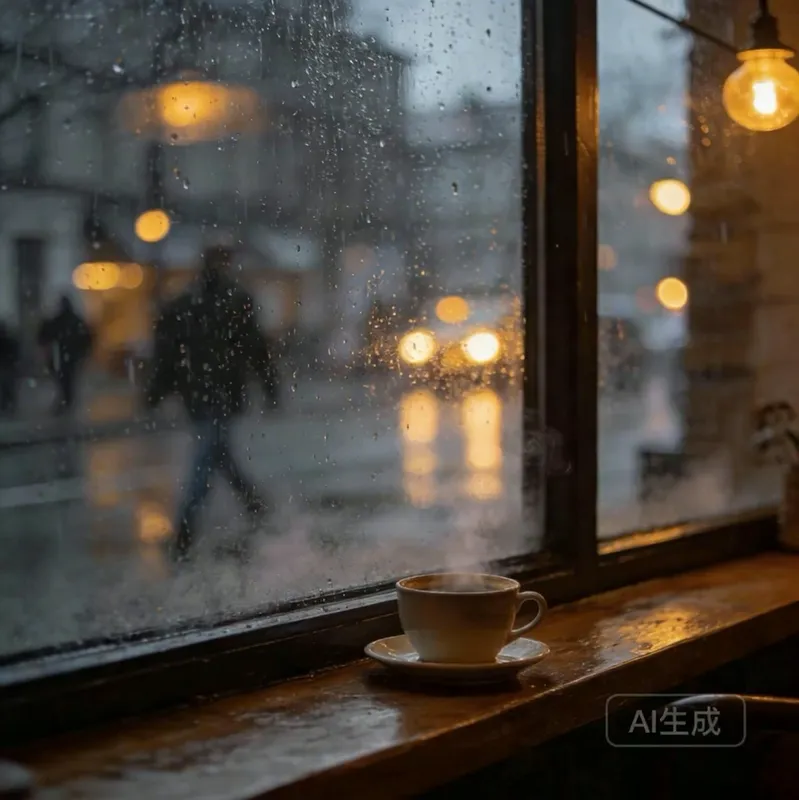
Rainy Window
Rain streams down the glass as an umbrella passerby crosses the frame.
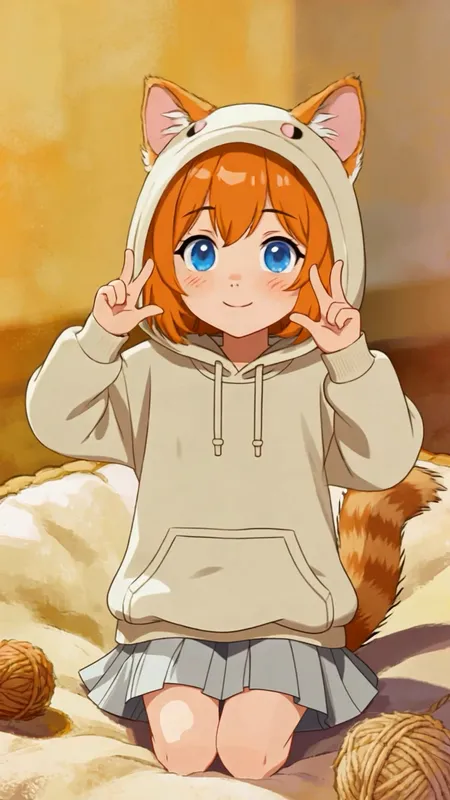
Cat to Character
Warm bubble aura transformation into a cat-eared character.
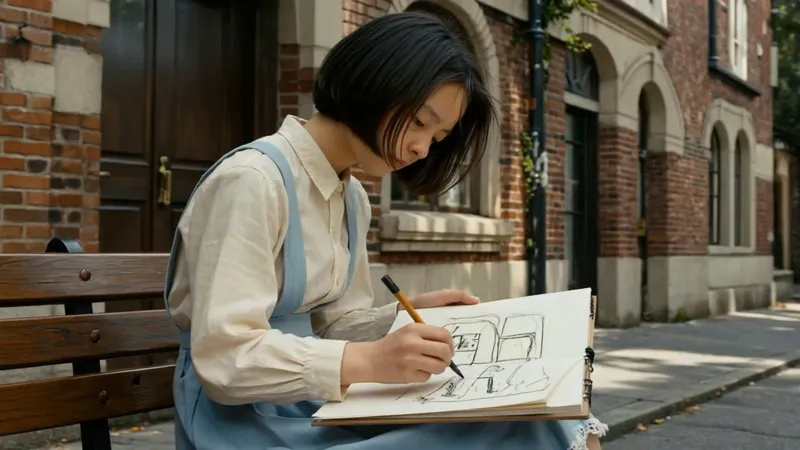
Street Sketch
A calm street-corner sketch with a slow camera arc.
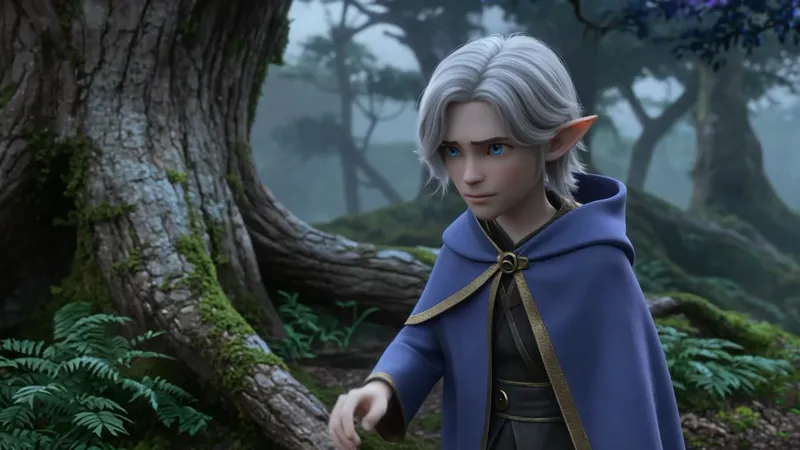
Glowing Tree Egg
Camera rise reveals a glowing egg nest inside a giant luminous tree.

Earth Zoom
Smooth zoom transition from space into a coastal city with atmospheric haze.
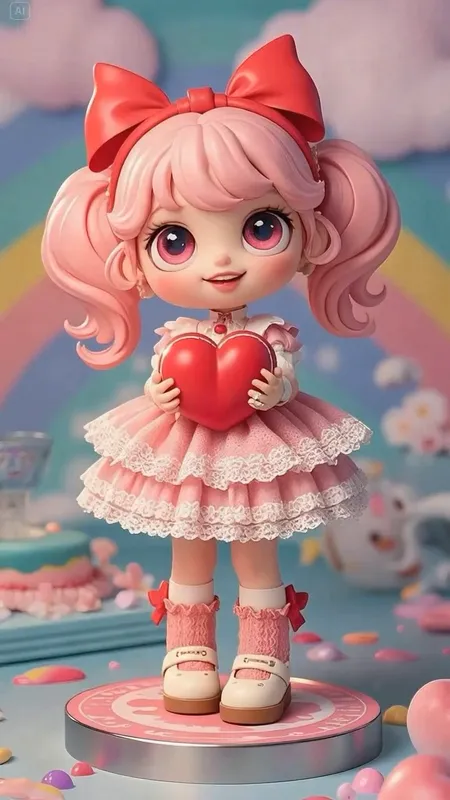
Toy Turntable
Cute doll rotates, then stops and faces the camera.
WHY SEEDANCE2
Why choose Seedance2
From prompt to final clip, everything runs in one workflow.
Faster start with templates
Use proven templates to get your first result quickly.
Clear parameter control
Set duration, aspect ratio, and resolution before generation.
Clear model path
Current models are Seedance 1.0 Lite and 1.5 Pro. Seedance2 is coming soon.
One-click prefill
Open any example in the generator with settings prefilled.
Predictable credit usage
Credit cost maps directly to model, duration, and resolution.
Reusable outputs
Turn successful prompts into reusable production assets.
TEXT TO VIDEO
Seedance2 Text to Video Generator
Write a prompt, set parameters, and generate a clip in one place.
Describe the shot clearly
Define subject, action, camera, lighting, and style.
Generate from one workflow
Use the same Seedance2 generator for templates and custom prompts.
IMAGE TO VIDEO
Seedance2 Image to Video Generator
Upload a reference image and add motion while keeping composition stable.
Use any still image as input
Start from product renders, portraits, illustrations, or anime frames.
Add motion without losing identity
Keep key details while adjusting camera movement and pacing.
WORKFLOW
Controls that impact output
Keep prompts and format settings consistent across runs.
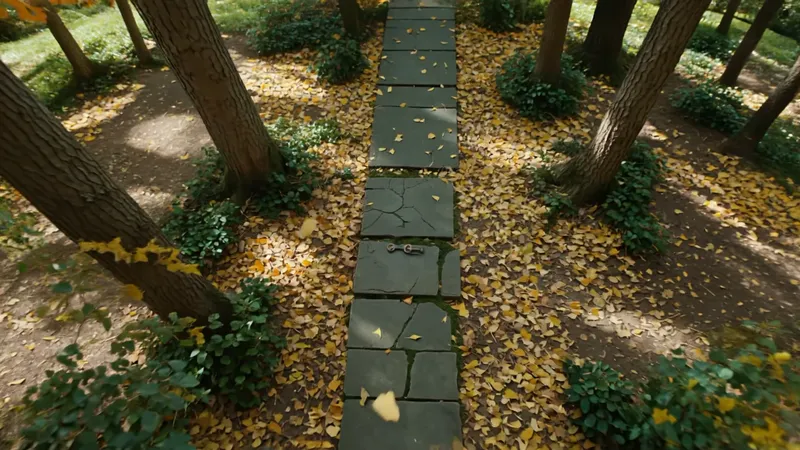
Start from a template and refine camera, motion, lighting, and style.
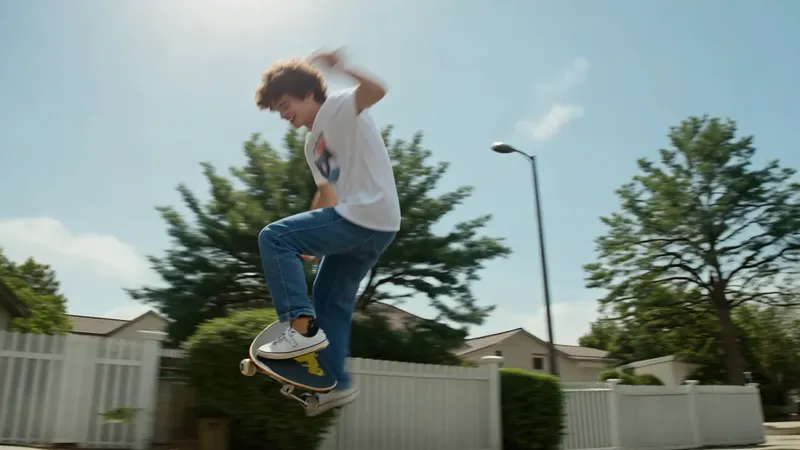
Set duration, ratio, and resolution to match your target channel.
Generate clips with stable motion and scene continuity.
One entrypoint focused on Seedance model workflows.
Switch between text and image inputs by workflow needs.
Start from templates, then customize for your brand.
Duplicate prompts, tweak one variable, and iterate faster.
STUDIO
Seedance2 creator toolkit
Templates, generator, pricing, and updates in one product.
Prompt templates
Use reusable prompts for ads, products, anime, and explainers.
HOW IT WORKS
Generate in 3 steps
Pick a mode, set parameters, and generate.
Step 1. Choose mode and model
Choose text-to-video or image-to-video, then select the current model.
Step 2. Add prompt and settings
Enter your prompt (or upload a reference image) and set duration, ratio, and resolution.
Step 3. Generate, preview, and download
Run generation, review the result, and iterate if needed.
Choose your plan
Pick a monthly plan for steady usage. Seedance2 model support is coming soon; current runs use Seedance 1.0 Lite and 1.5 Pro.
Best for solo creators and small projects.
Best for high-frequency publishing teams.
Best for team production and batch generation.
FAQS
Seedance2 FAQs


Create with Seedance2
Open the generator, use a template, and ship the next clip faster.